Kiran
Kiran 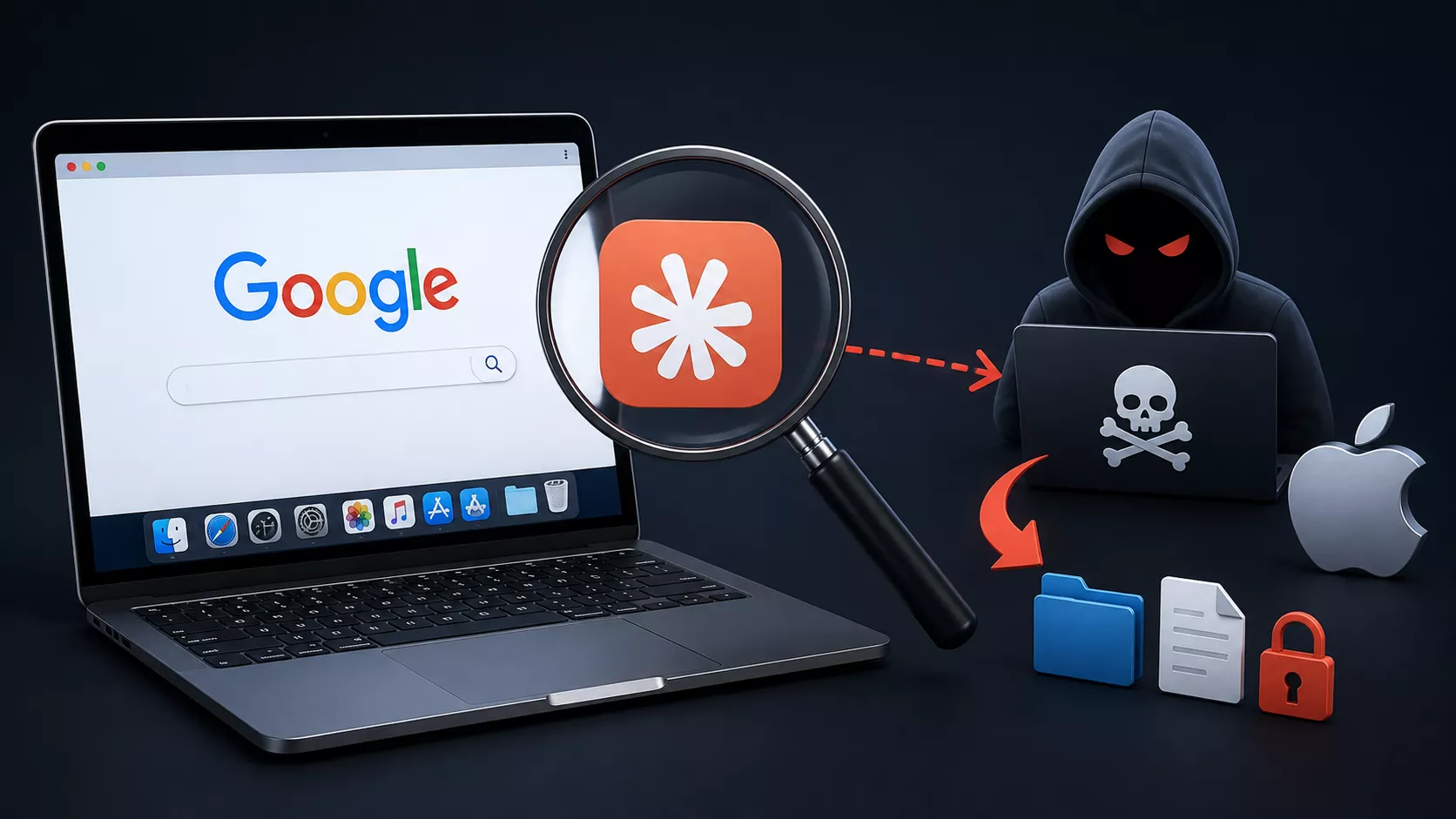
A Mac user searching Google for something as ordinary as “how to install Claude Code on a Mac” recently walked straight into a six-stage malware chain without ever leaving Anthropic’s real domain.
The campaign, dissected by Huntress SOC analysts Ryan Dowd and Josh Kiriakoff during this month’s Tradecraft Tuesday, shows how attackers are weaponizing trust in AI platforms and sponsored search ads to deliver a sophisticated new macOS threat called MacSync.
The victim clicked a sponsored Google Ads result and landed on a genuine claude.ai page, but it was a publicly shared conversation, not Anthropic’s official install documentation.
Google Search for Claude Code Leads Mac Users
The attacker labeled the share as coming from “Apple Support,” implying an official partnership between Apple and Anthropic. Using the increasingly common “ClickFix” social-engineering tactic, the fake guide told the user to paste a single curl command into Terminal. That one line quietly launched a zsh loader and kicked off the full infection chain.
This isn’t an isolated tactic. Huntress has previously tracked malicious ChatGPT and Grok conversations that push AMOS Stealer, and a separate fake Claude Desktop campaign that delivers SectopRAT. But according to Dowd, this MacSync sample stood out for having “all the bells and whistles” compared to prior ClickFix payloads.
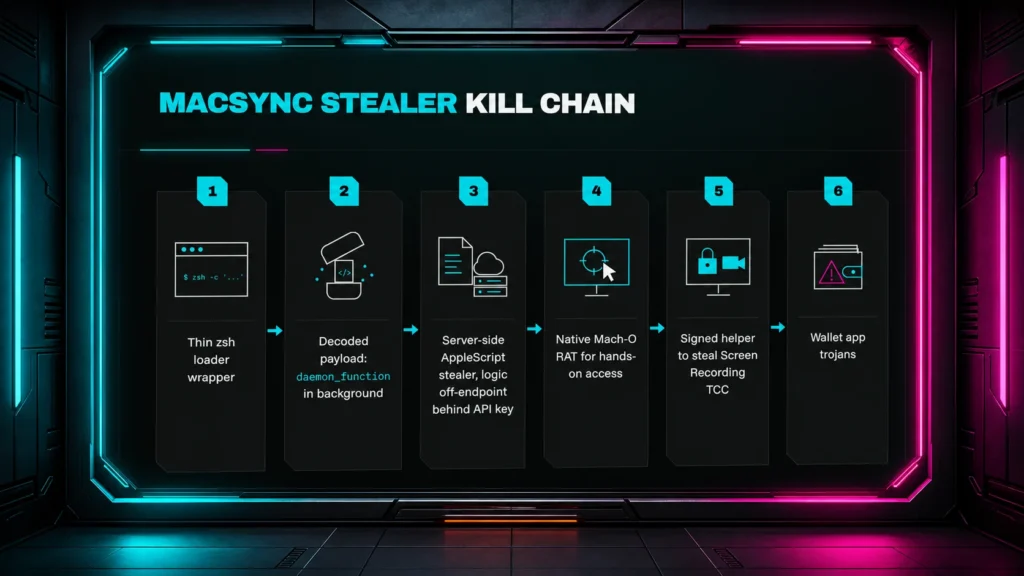
Huntress reconstructed the entire kill chain after pulling a payload directly from the attacker’s own infrastructure, even though the original victim had shut down their machine. The stages included:
- A lightweight zsh loader (just 1,442 bytes) wrapping a gzip-compressed, Base64-encoded payload
- An in-memory background function that fetches the next stage, exfiltrates stolen data, and erases its own tracks
- A server-generated AppleScript “brain” that requests Full Disk Access via macOS’s Transparency, Consent, and Control (TCC) system
- A persistent Mach-O remote access trojan (RAT) installed via a LaunchAgent, communicating over WebSocket-TLS to a hardcoded IP
- A separately signed helper built solely to harvest Screen Recording permission
- Trojanized versions of 60 wallet browser extensions, 21 desktop wallet apps, and three hardware wallet companion apps
The AppleScript stage alone extracted Chromium “Safe Storage” AES keys, browser cookies, saved logins, keychain secrets, Telegram sessions, and SSH and cloud credentials all before the RAT was even installed.
“MacSync is a reminder that the biggest vulnerability in any operating system isn’t code it’s confidence. Every layer of this attack, from the fake Apple Support badge to the TCC prompt, was designed to exploit the split-second decision users make when something looks official enough not to question.”
The most dangerous stage wasn’t credential theft; it was the final one. By silently rewriting trusted wallet apps and phishing for recovery phrases through spoofed error pages, MacSync targeted assets that can’t be reset.
As Kiriakoff put it, passwords and cookies are recoverable, but “once someone has a passphrase, they control every wallet derived from that seed without needing a physical device.”
Despite the technical sophistication of polymorphic loaders, XOR-obfuscated fallback domains, and embedded OpenSSL stacks, the entry point remained painfully simple: a pasted command nobody paused to read.
Huntress recommends behavioral detection around curl-and-Base64 patterns in shell activity, and tools like Objective-See’s BlockBlock and LuLu Firewall to catch persistence attempts.
But the analysts’ core advice is low-tech: never paste an unfamiliar command into Terminal without first decoding and understanding it, even if that means asking an AI assistant to explain what it actually does.
Site: Thecyberdef.com
Follow TheCyberDef on Google News, LinkedIn & X for the latest cybersecurity updates. Stay informed.
About the Author