Microsoft Teams Help Desk Scam: Fake IT Chats Steal Passwords in 21 Minutes
 George antony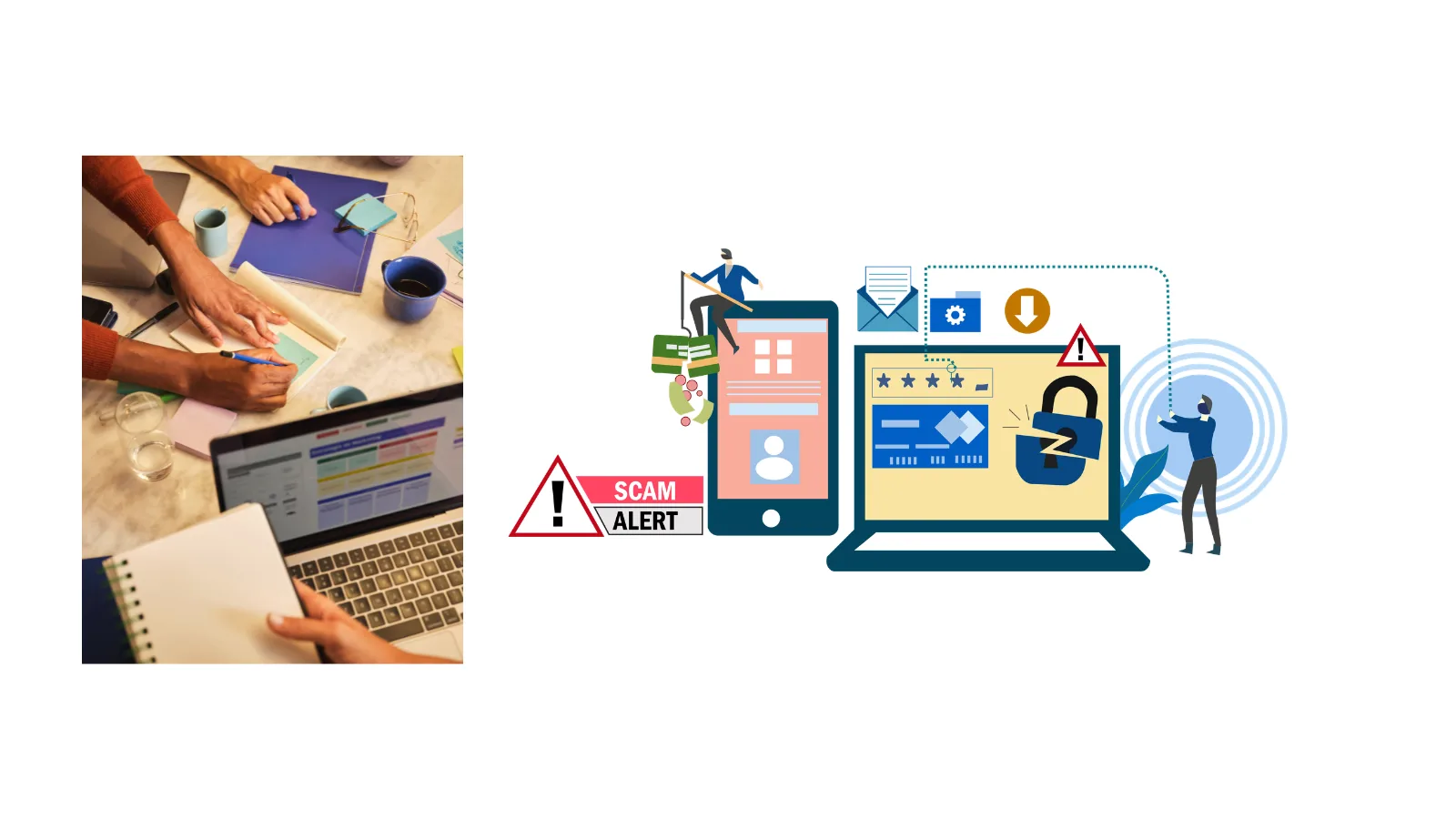
Attackers have found a door that most companies never bothered to lock: Microsoft Teams’ default setting that lets any external tenant chat with your staff. Security researchers at ScamDrill now documented a pattern where threat actors open a Teams conversation posing as “IT Service Desk,” then talk employees into installing malware or granting remote access, all without ever touching a spam filter.
The attackers then trick victims into clicking malicious links or sharing their login credentials. This lets them steal passwords and potentially access company accounts quickly.
Attackers impersonate IT help-desk staff on Microsoft Teams and start fake conversations with employees. They use convincing messages to make the victim believe the request is genuine and gain their trust.
Microsoft Teams Help Desk Scam
Email security has matured for two decades. Teams has not received the same scrutiny, and attackers know it. Microsoft’s own documentation confirms that “allow all external domains” ships as the default configuration, meaning anyone in any Teams-enabled tenant can find, message, or call your employees. A tenant registered an hour ago carries the same access privileges as a decade-long vendor relationship.
In an August 2026 write-up, Expel researcher Marcus Hutchins detailed a campaign dubbed SynkLoader malware delivered through an MSI installer called “PowershellCleaner,” hosted convincingly on a legitimate Azure blob storage endpoint.
Once executed, the loader ran almost entirely in memory using a bundled Python runtime, evading disk-based detection, and established persistence through a randomly named scheduled task created via the COM interface rather than schtasks.exe, specifically to dodge command-line monitoring.
The most unsettling module, which Expel named PhishLocker, mimics the Windows lock screen convincingly enough to capture a real password in plaintext, no hash cracking required.
The giveaway: the fake screen doesn’t blur when the password field is clicked, and pressing Ctrl+Alt+Delete or Alt+Tab exposes it instantly, since it’s just a borderless window rather than a genuine secure session.
Expel paired the credential theft with a reverse-proxy tunneling module, letting attackers route traffic through the victim’s own IP address. That combination a real password plus a trusted network origin sails past conditional-access rules designed to flag unfamiliar logins.
Microsoft’s parallel research, corroborated by Blumira’s June 2026 lab replication, describes attackers skipping malware entirely and instead talking victims into approving a Quick Assist session.
Blumira measured the full chain from first Teams message to interactive endpoint control at just 21 minutes, with domain reconnaissance commands firing within two minutes of access.
Four Teams admin settings meaningfully narrow this attack surface: switching external domains from “allow all” to an explicit allow-list, disabling unmanaged accounts from initiating chats, verifying the trial-tenant blocking configuration (sources disagree on its default state, so check manually), and pre-enabling the per-user blocklist before an incident forces it.
“The uncomfortable truth here is that we’ve spent years training employees to distrust unsolicited email while treating internal collaboration tools as inherently safe. Attackers didn’t break Teams; they just noticed nobody was watching the front door we left wide open by default.”
Configuration changes help, but the durable fix is behavioral: if IT initiates contact, employees should end the conversation and call back using a number they already had, the same rule that defeats help-desk vishing over the phone. No zero-day, no exploit just a verification habit organizations rarely practice until it’s tested for real.
Site: Thecyberdef.com
Follow TheCyberDef on Google News, LinkedIn & X for the latest cybersecurity updates. Stay informed.
About the Author


 Kiran
Kiran