pCloud Pass Cyberattack Exposes User Emails, Triggers Rogue Device Login Alerts Despite 2FA
 Kiran
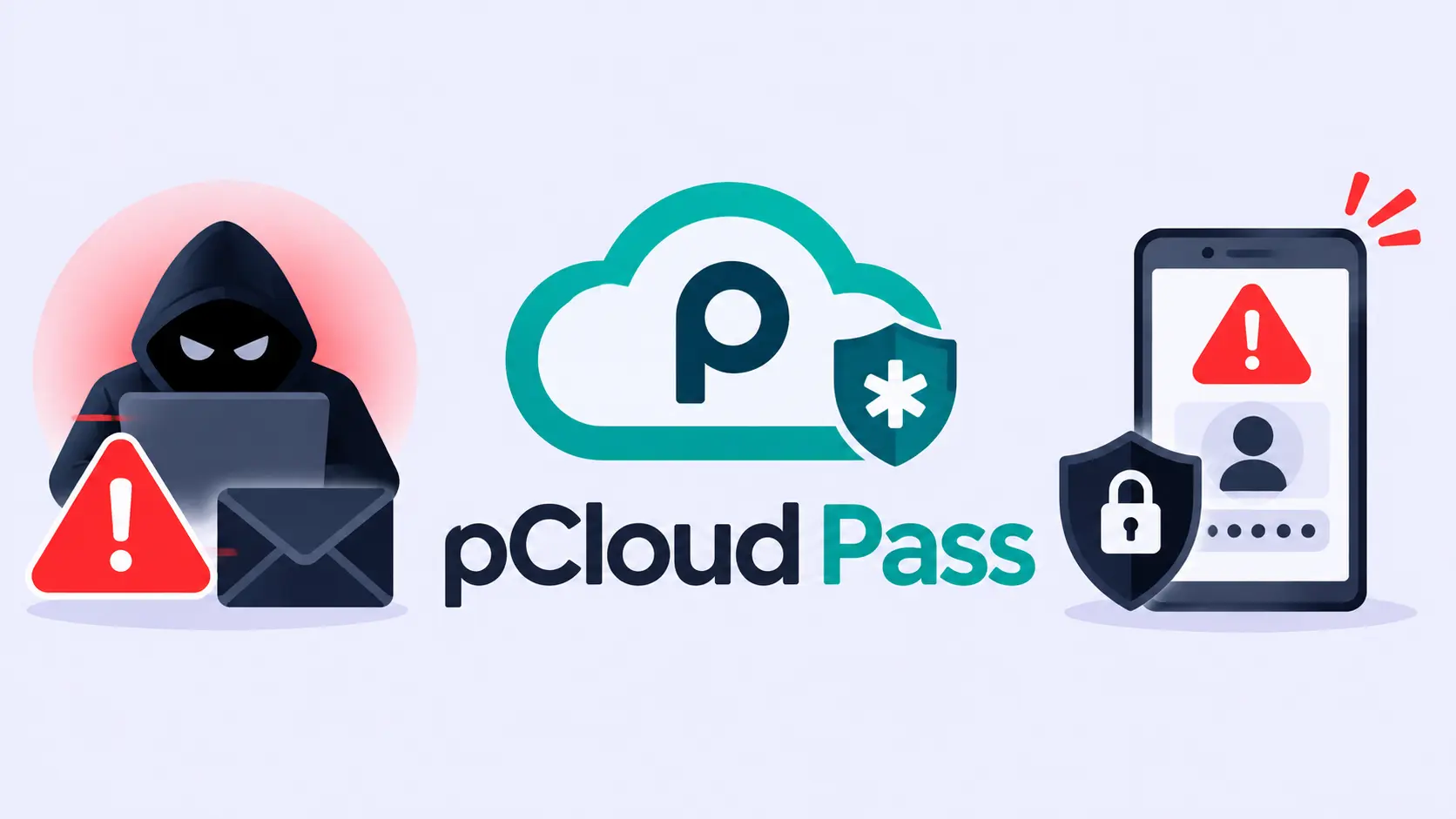
pCloud confirmed a cyberattack on its pCloud Pass password manager on November 27, 2026. The attack exposed users’ email addresses and led to unauthorized authentication attempts. Some users with two-factor authentication (2FA) enabled reported “new device connected” alerts for sessions they did not create.
Alerts reached users overnight between November 26 and 27, 2026. Many were delivered from the legitimate team@pcloud.com sender domain, which ruled out a simple spoofed phishing campaign.
One Reddit user said the IP address in the notification did not match any of their devices and traced back to pCloud’s own infrastructure. Other users reported receiving the alerts even though they had never activated the password manager.
pCloud Pass Cyberattack Exposed
pCloud’s official statement said the intrusion was “swiftly addressed” and limited to a small number of exposed email addresses plus unauthorized login attempts. The company said pCloud Cloud Storage was not affected. It also said vault data stays encrypted on the device and can only be unlocked with the Master Password.
In the r/pcloud discussion, a pCloud representative blamed the faster discovery of software flaws in the AI era and warned users about credential-harvesting follow-ups. The representative added that pCloud will never request a Master Password or recovery words by email, phone or chat.
Several technical details in the notifications remain unexplained. According to user analysis, the “new device connected (pd)” alerts came from IP addresses in pCloud’s Luxembourg range.
They contained links that resolved to an internal quality-assurance host, qa1.pcloud.com, suggesting production notification logic was triggered from a staging environment. The same user analysis noted that members with 2FA enabled did not receive alerts for failed logins and instead saw only the “new device” message.
That pattern raises several possibilities. These include a misconfigured notification service, a session-token replay, abuse of an authentication API, or a compromised internal tooling pipeline. No public evidence confirms that the “pd” alerts were successful account takeovers rather than failed or test-linked attempts.
Without a published root-cause analysis (RCA), defenders cannot tell a credential-stuffing event from an internal-service compromise.
Users who checked the connected-devices list on the web portal mostly found nothing unusual. One affected user said they were locked out of other Drive sessions after resetting credentials, and that SMS-based 2FA codes arrived late or not at all.
A separate commenter pointed out that pCloud Pass and Cloud Storage share account credentials and an authentication layer. That makes the claim of a strictly isolated blast radius hard to verify before a forensic review.
Zero-knowledge, client-side encryption protects vault contents as long as the Master Password stays secret. It does not stop an attacker with backend access from copying encrypted vault blobs.
Threat actors holding encrypted vaults can run offline brute-force or dictionary attacks. Those attacks face no login rate limits and no 2FA prompts.
Vault resilience therefore depends on the key derivation function (KDF) parameters, the iteration count and the entropy of the Master Password. A short or reused Master Password could fall to GPU-accelerated cracking if blobs were exfiltrated.
Security analysts also note that a compromised password manager exposes more than one account. Banking logins, corporate SaaS tokens, cloud consoles, SSH keys and recovery codes could all be at risk.
pCloud has not disclosed the number of affected users, the intrusion vector, the dwell time, or whether backups were touched. Critics compared the vague messaging with LastPass’s 2022 disclosures, in which encrypted vaults and unencrypted metadata were taken.
The pCloud incident also follows earlier transparency criticism, including a filename-metadata leak reported in February. For background on how credential theft chains into enterprise compromise, see our coverage of identity-based attack trends.
Mitigation
Administrators should treat the exposed email addresses as targets for spear-phishing and credential-stuffing waves. Attackers commonly weaponize breach notices with spoofed “verify your account” emails that harvest Master Passwords or recovery phrases. Our analysis of phishing kits that bypass MFA explains how adversary-in-the-middle proxies defeat one-time codes.
Users should sign in through the web portal, review the active-session and connected-device inventory, and revoke unrecognized entries. They should then rotate the account password and the Master Password with a long, unique passphrase.
Switching from SMS to an authenticator app or a FIDO2 hardware key removes the SIM-delivery dependence that some affected users described. Anyone who reuses the pCloud Pass email address elsewhere should enable breach monitoring on those accounts.
Enterprises should rotate high-value secrets held in the vault, including API keys, SSH private keys and cloud-console credentials. They should audit identity-provider logs for impossible-travel logins and new-device registrations.
They should also watch for unexpected OAuth consent grants or token refreshes after November 26. Our guide on credential-theft detection engineering covers SIEM rules for these signals.
Until pCloud publishes a full RCA covering vault-storage integrity, session-token handling and the QA-subdomain anomaly, the risk of offline cracking cannot be ruled out. Users with weak Master Passwords face the greatest exposure. Independent verification of pCloud’s claims, such as a third-party forensic attestation, would do the most to restore confidence.
FAQ
Were pCloud Pass vaults stolen? pCloud says vault data stays encrypted and unreadable, but it has not said whether encrypted vault copies were accessed.
Does 2FA protect against this attack? Some users with 2FA enabled still received “new device” alerts, so rotating credentials and moving to FIDO2 keys is advised.
Is pCloud Cloud Storage affected? pCloud states the attack was confined to pCloud Pass, though both services share an authentication system.
What should affected users do now? Revoke unknown devices, change the Master Password to a long unique passphrase, enable hardware-key 2FA and watch for phishing.
About the Author